Printing from the browser
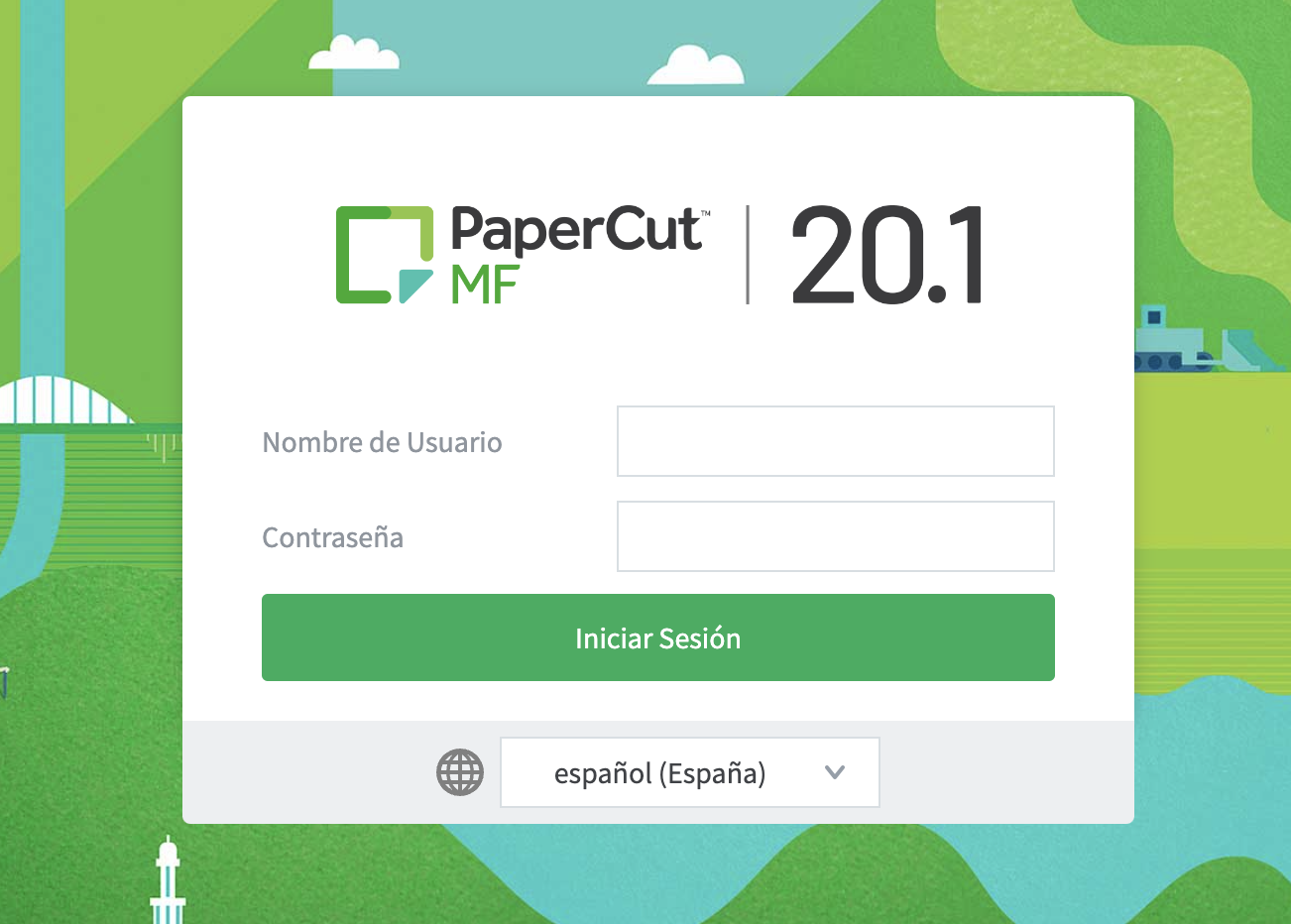
If our computer printer fails, we can apply a second alternative using the browser. To do this, the first thing you must do is go to the following link: http://172.16.13.200:9191/user, then enter your username and password (your username is your email address, but replacing the @ with a dot, for example correo@correo.com => correo.correo.com and the password is the pin you received in the welcome email plus three zeros, for example: If your pin is 12345, you should write: 00012345.
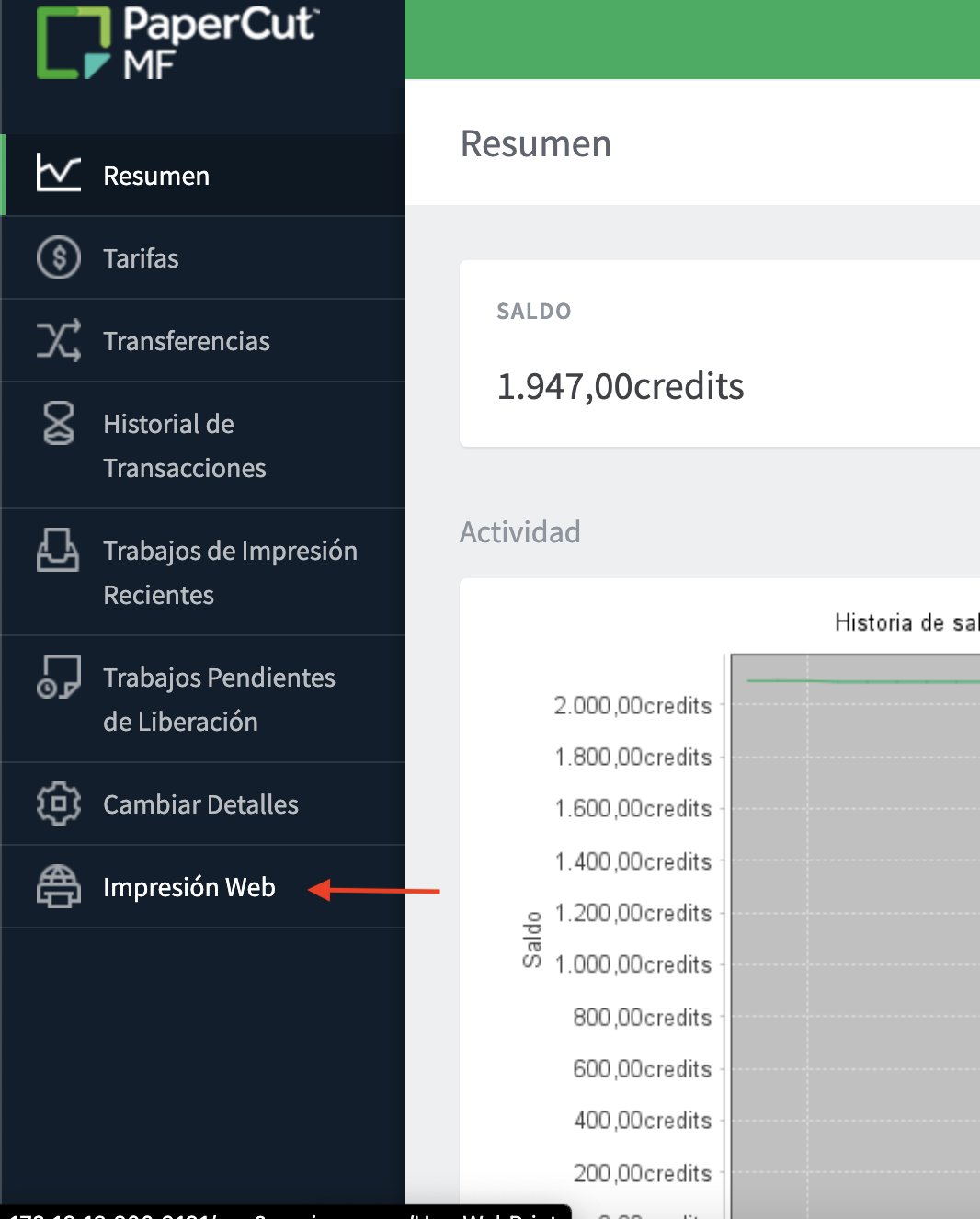
After logging in, go to the end of the menu where you will see the option called: Web Printing
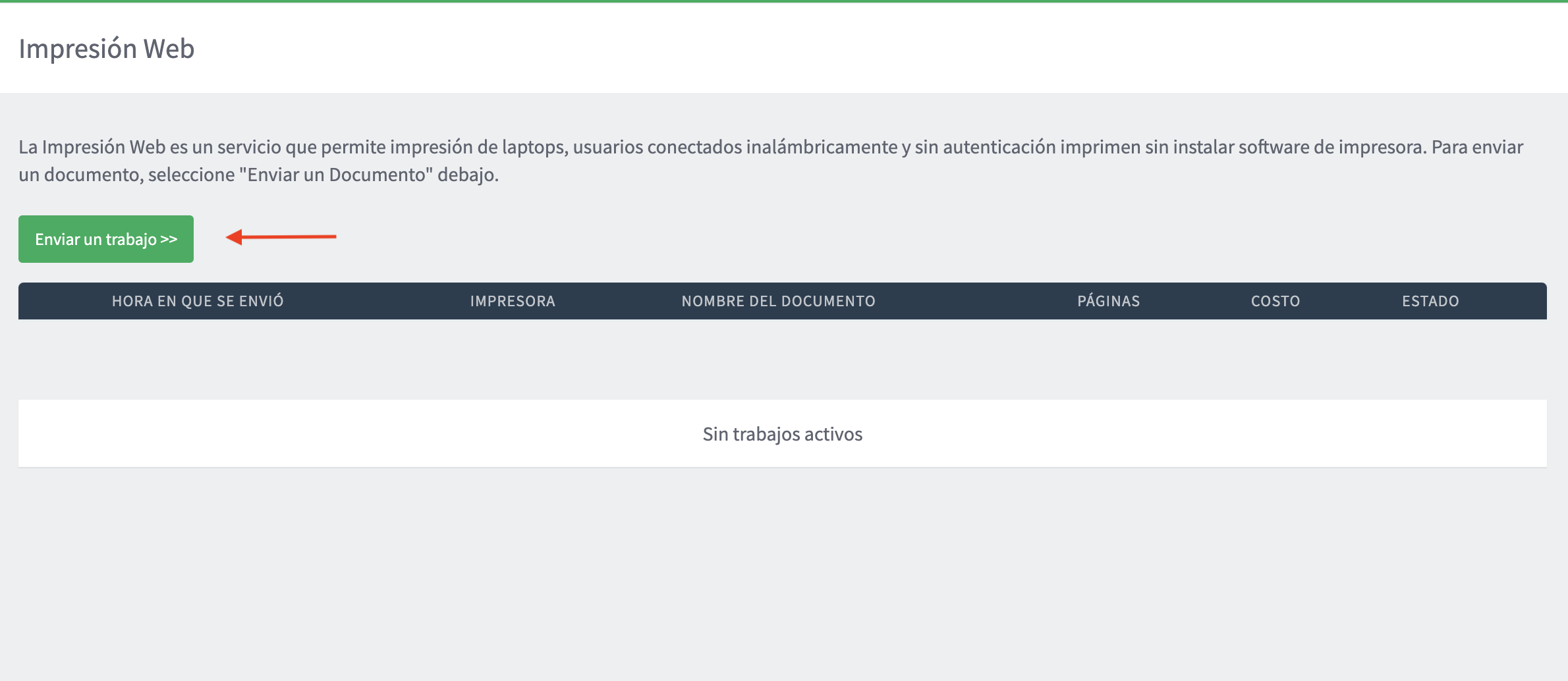
Then click on Send a job
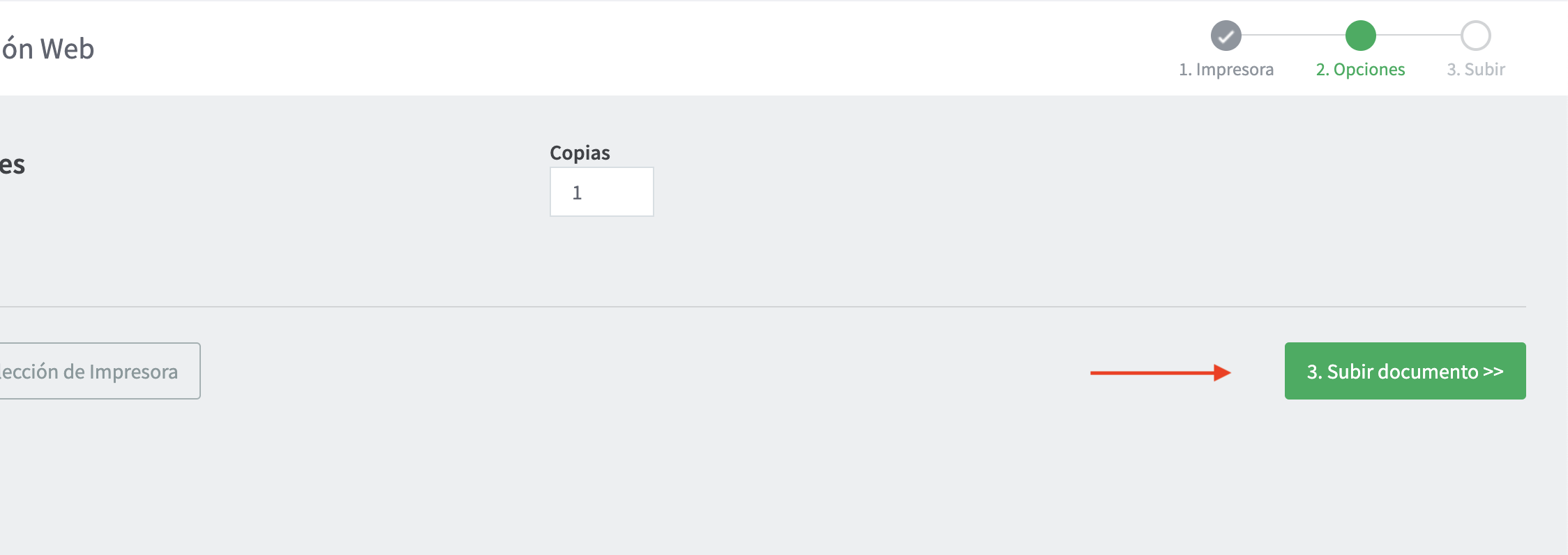
Now select the number of copies you want to print and click on upload document.
Drag or choose the documents you want to send from the window.
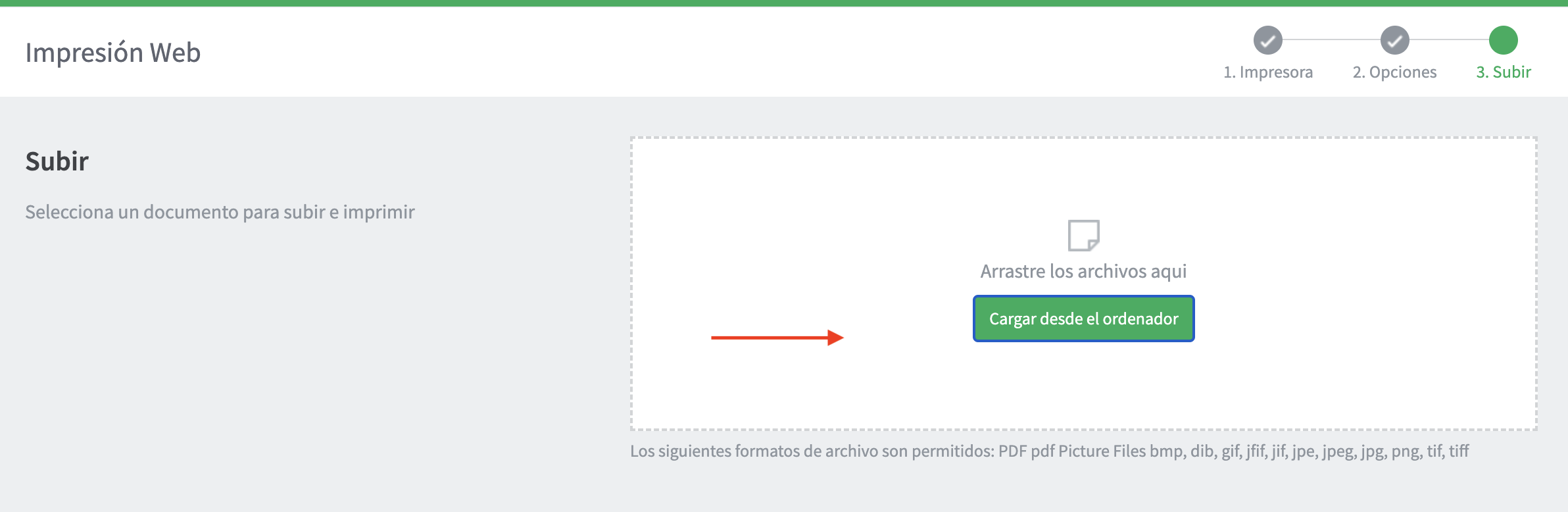
Once uploaded, click on send job.
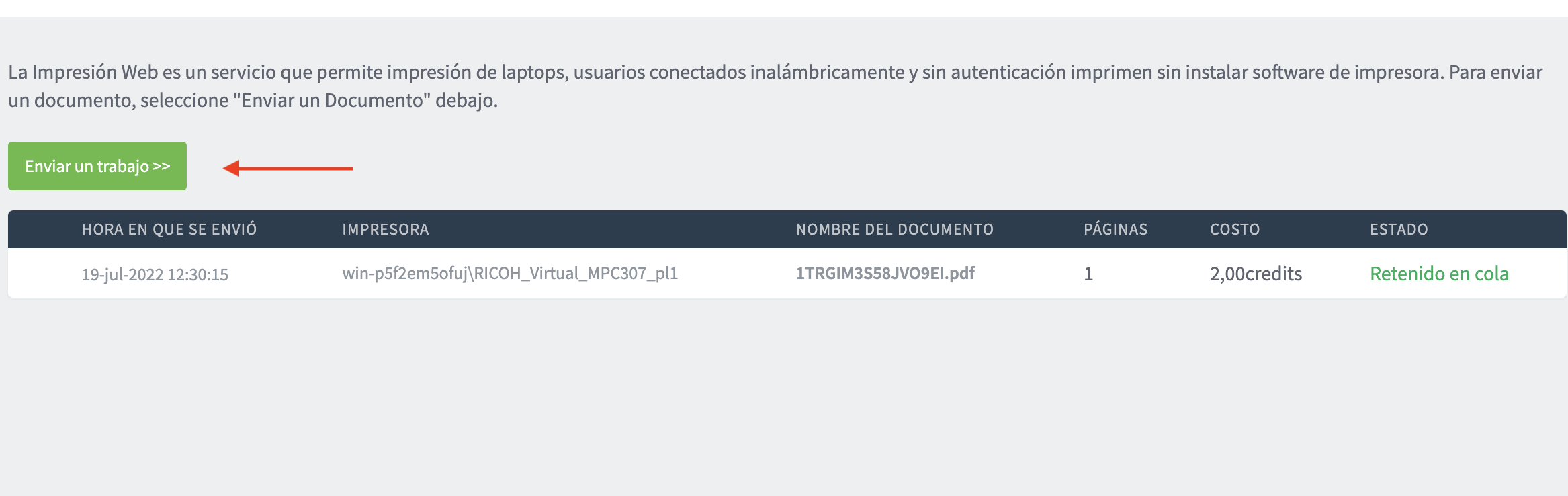
After completing all these steps, you can go to the printer to collect your printouts with your printing code.